
Review active users in my account
Only an account Administrator can manage users in an account.
Step 1
Navigate to 'Manage Account' via the profile menu.

Step 2
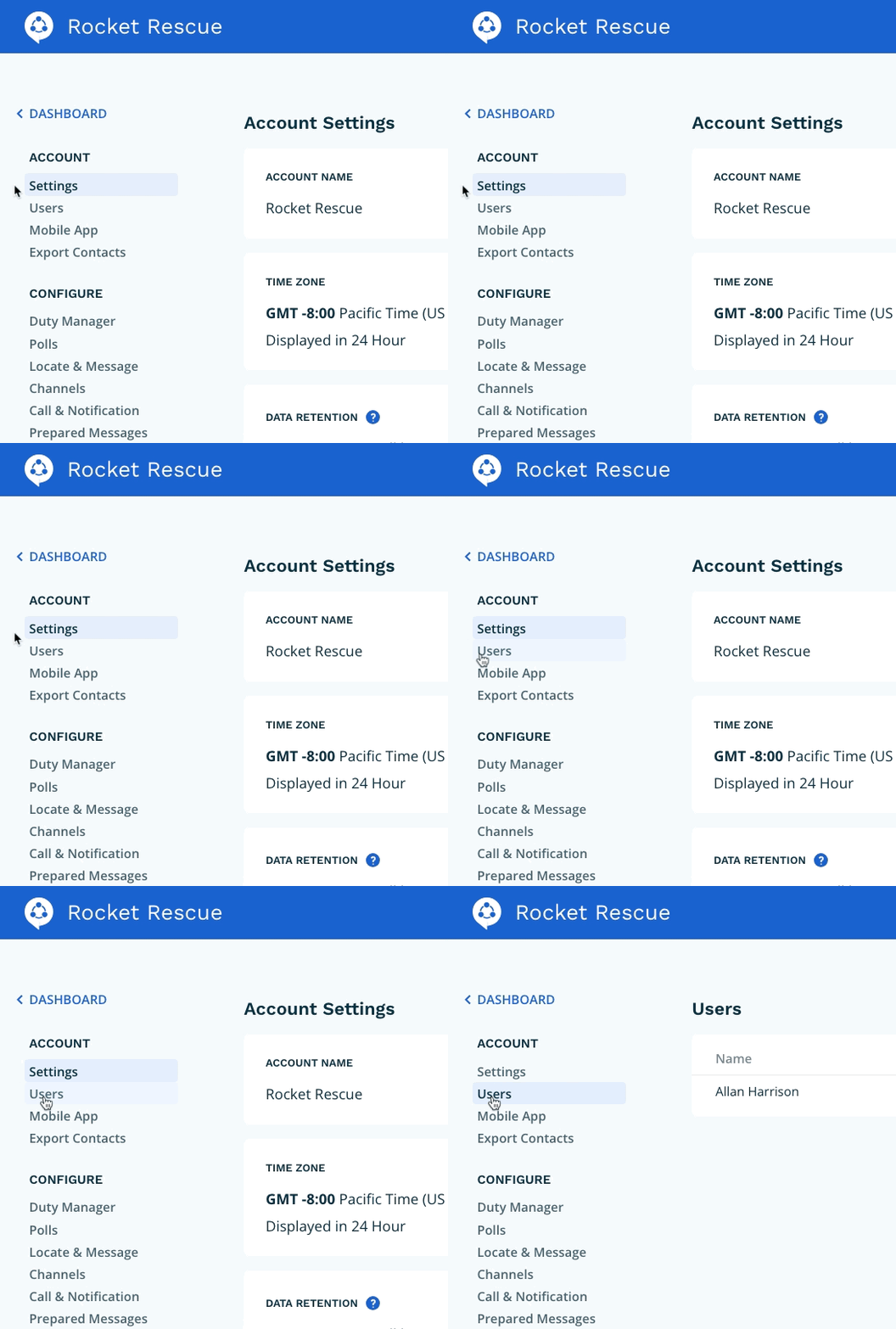
Select 'Users' from the page navigation.
Step 3
You can now view a list of your active users. The associated table shows the user's name, the email address that was used to create the user and the current role. Clicking the pencil icon will allow you to change a user's role or delete them from your account.
