
Enable Craig Prompts on the Dashboard
Administrator access is required to enable craig prompts on the dashboard.
Step 1
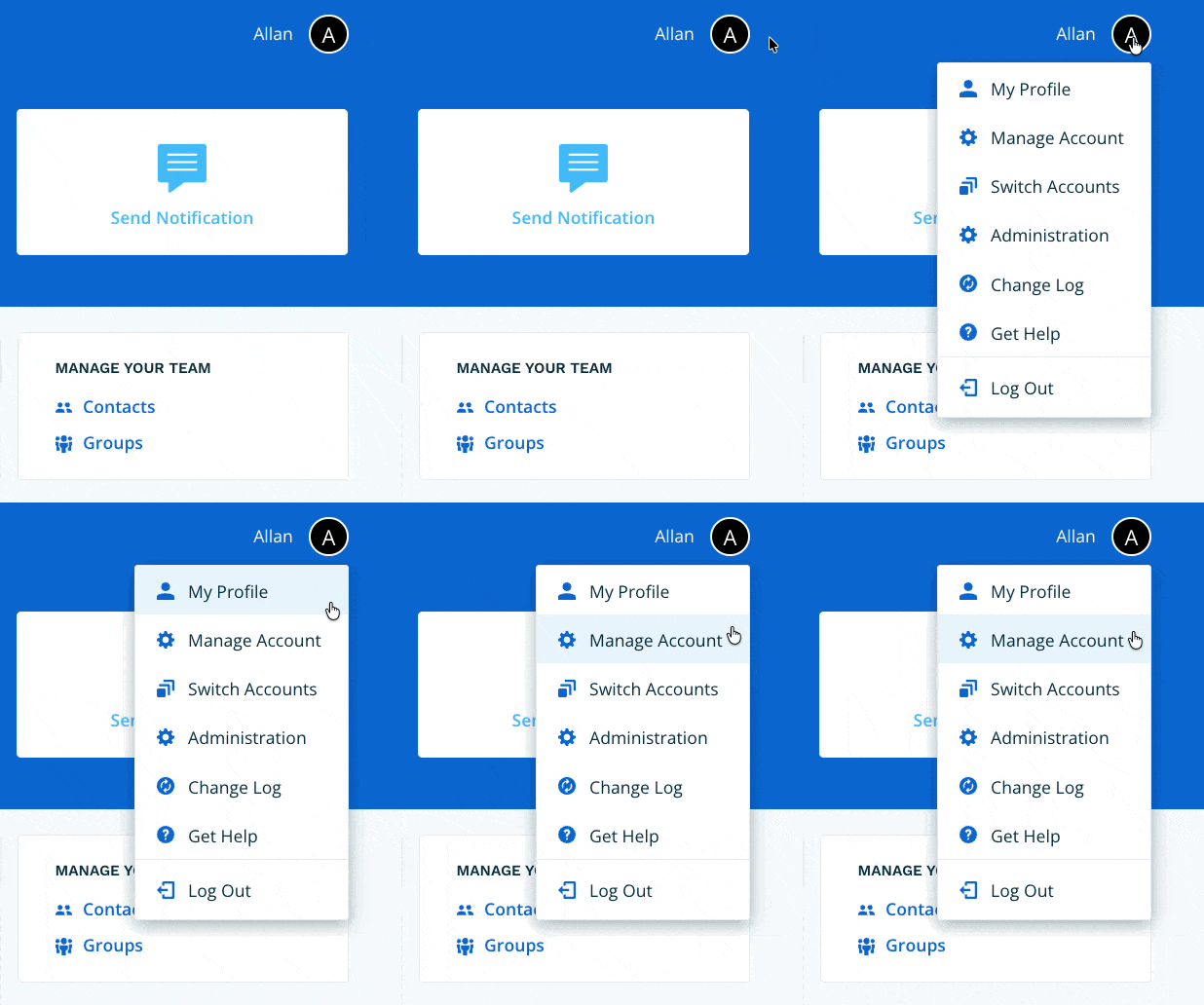
Navigate to Manage Account via the profile menu.
Step 2
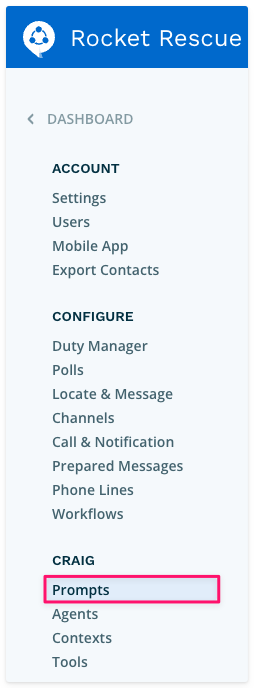
Select Prompts from the left-hand navigation.
Step 3
Enable the Enable Craig AI Prompts on the Dashboard toggle.

Step 4
Navigate to the Dashboard. Craig Prompts will now appear as an available feature.
